SMARTER LAYOUTS
MORE OUT OF EVERY SHEET.
Sheet goods or linear stock. Kesim finds practical layouts that put your material to work.
EXPLORE THE WORKBENCH ↗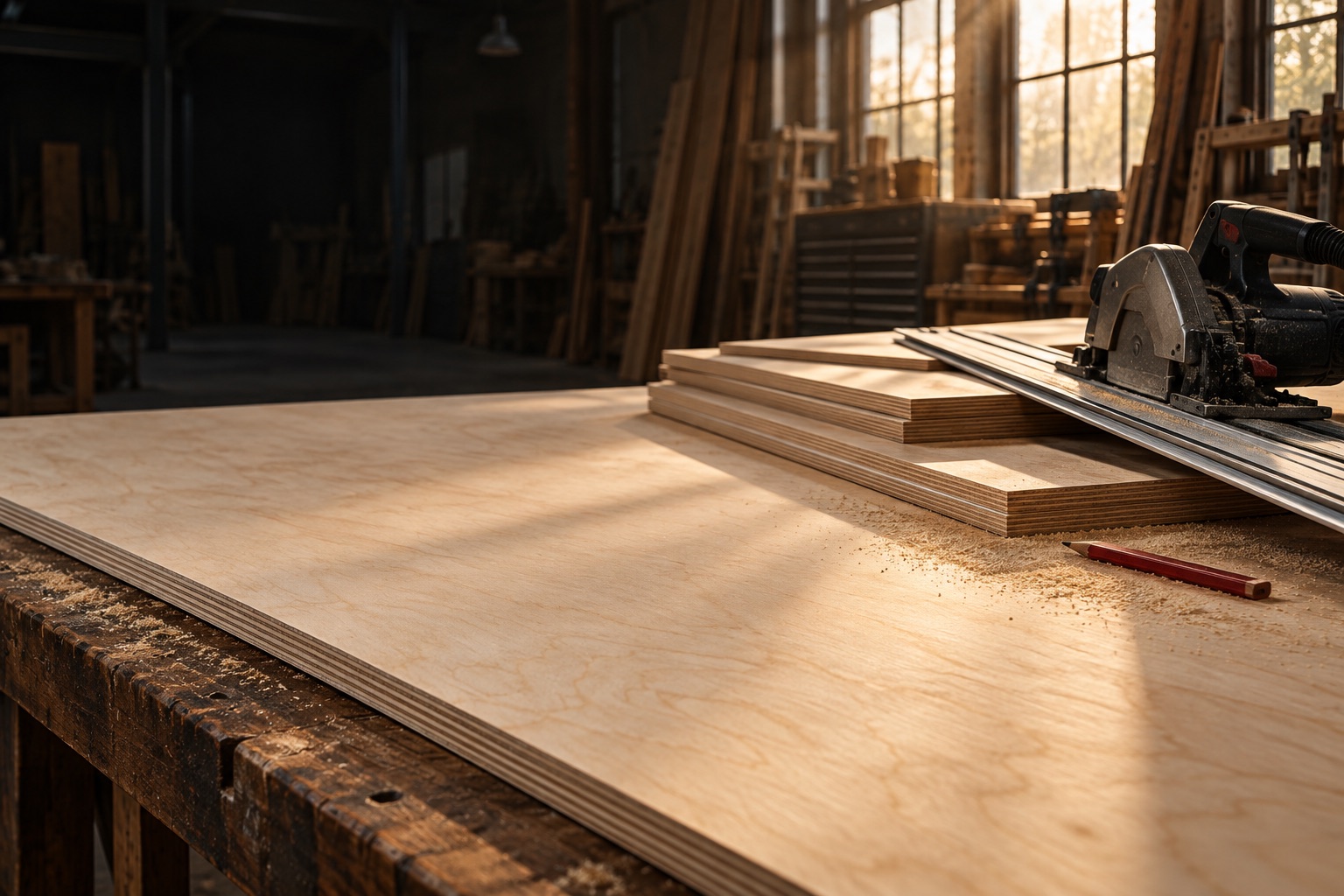
EVERY GREAT BUILD STARTS WITH A PLAN.
Your material. Your measurements. A better way to cut.
Turn a list of parts into a plan that makes every sheet count.
Start free. Plan up to 10 parts. No account needed.
MEET YOUR NEW WORKSHOP ESSENTIAL
Less sketching on scraps of paper.
More getting on with the good part.
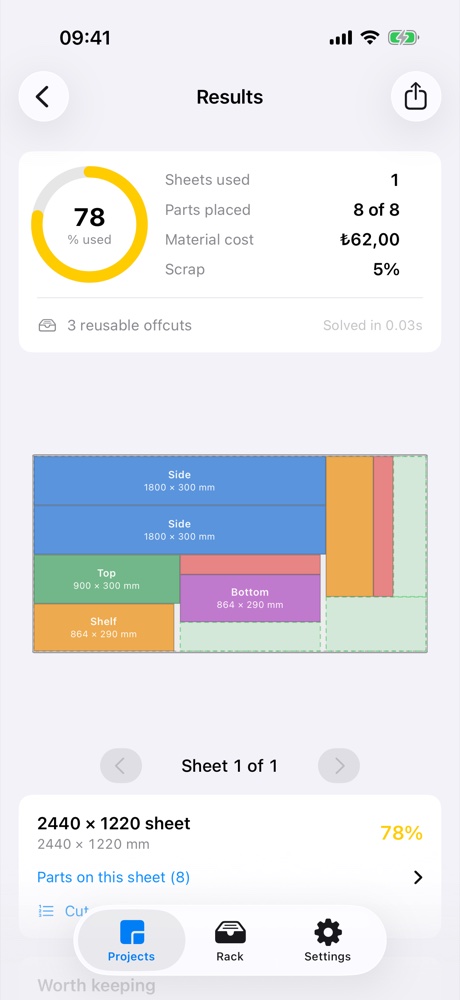
One sheet. Eight parts. Your next weekend build.
↳ Make it yours. Adjust the quantities and watch the plan change.
A hands-on preview. Get the full optimizer, grain controls, and step-by-step cuts in the app.
PURPOSE BUILT. DOWN TO THE LAST SIXTEENTH.
SMARTER LAYOUTS
Sheet goods or linear stock. Kesim finds practical layouts that put your material to work.
EXPLORE THE WORKBENCH ↗REAL-WORLD PRECISION
Blade width, edge trim, and grain direction. The details that make a layout work on your saw.
SEE HOW IT WORKS ↗A SECOND LIFE FOR LEFTOVERS
Save useful leftovers to your rack. Put them first in line when the next project comes around.
MEET KESIM PRO ↗FROM FIRST MEASUREMENT TO FINAL CUT
A proper cutting plan shouldn’t need a spreadsheet, a desktop, or a whole afternoon.
A LITTLE PROJECT. OR YOUR NEXT BIG THING.
That shelf you’ve been meaning to make? Start there.
When the projects grow, Kesim grows with you.
FREETO GET BUILDING
MORE POSSIBILITIES.
LESS COMPROMISE.
Monthly, yearly, or lifetime. Pricing in the app.
BEFORE YOU MAKE THE FIRST CUT
Plan cuts for plywood, MDF, glass, and other sheet materials, or lengths of timber, pipe, and extrusion. Set the blade kerf and edge trim to match your saw.
Kesim uses straight, edge-to-edge guillotine cuts. It accounts for blade width and provides a cutting sequence. Always check your measurements and setup before cutting.
Yes. Work in inches, feet and inches, or fractions down to a sixteenth. Metric too, if that is your shop. Kesim converts them so you can work in the units you know.
Kesim is built for iPhone and iPad running iOS 18 or later. The workbench above is a small interactive preview of the cutting-plan experience.
The free version supports up to 10 parts per job. Pro supports larger projects, with a resource limit of 10,000 pieces per solve. Break very large jobs into manageable batches.